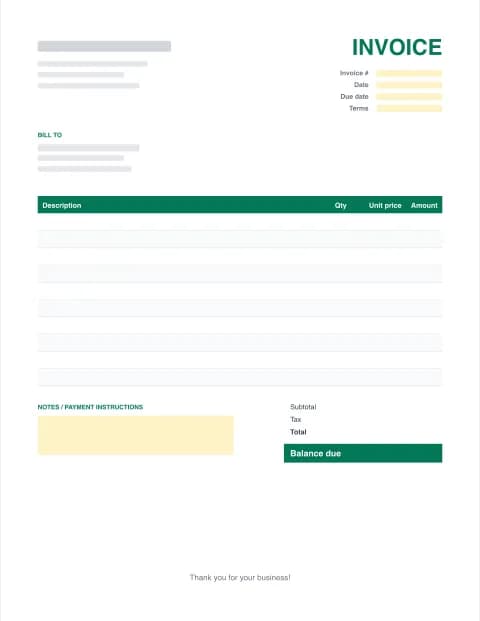
Billing Invoice Template
A clean template for a billing invoice that does the maths for you. Fill it in below and download it as PDF, Excel or Word in about 2 minutes, or grab a blank template.
- Services, hours or products
- Tax, discounts & deposits
- No signup
- Runs in your browser
Built in your browser. Your invoice data never leaves your device.
Your Business Name
Street address, City, State ZIP
you@business.com · (555) 555-0100
INVOICE
- Invoice #
- INV-0001
- Date
- -
- Due date
- -
- Terms
- Net 30
BILL TO
Client name
Client address
client@email.com
| Description | Hours | Rate | Amount |
|---|---|---|---|
| Item or service | |||
| Item or service |
- Subtotal
- $0.00
- Tax (0%)
- $0.00
- Total
- $0.00
- Balance due
- $0.00
Thank you for your business!
Made with Excel Invoice Maker · excelinvoicemaker.com
PRO Do more with Invoice Pro
Already subscribed? Restore with your licence key
Free billing invoice templates to download
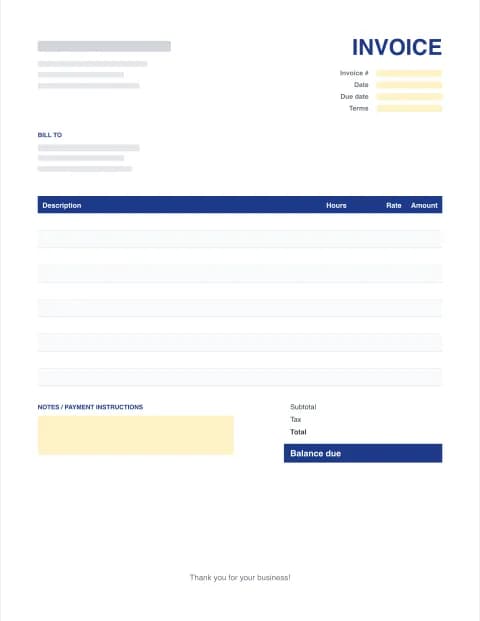
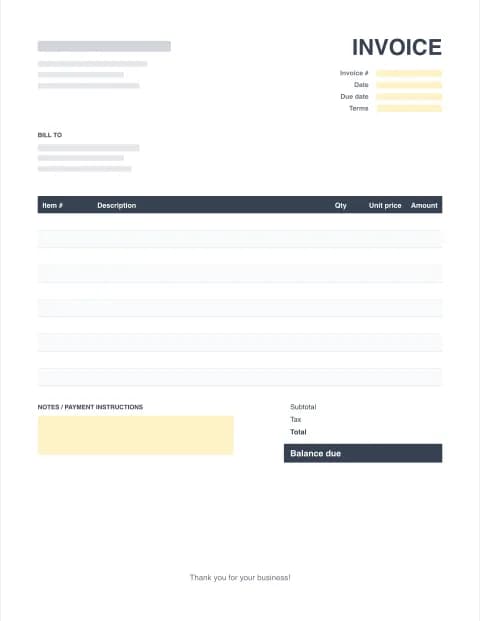
Pick the layout that matches how you bill. Each comes in Excel (with formulas), Word and fillable PDF.
By the Excel Invoice Maker editorial team · Last updated · Formulas checked against worked examples
What makes a good template for a billing invoice
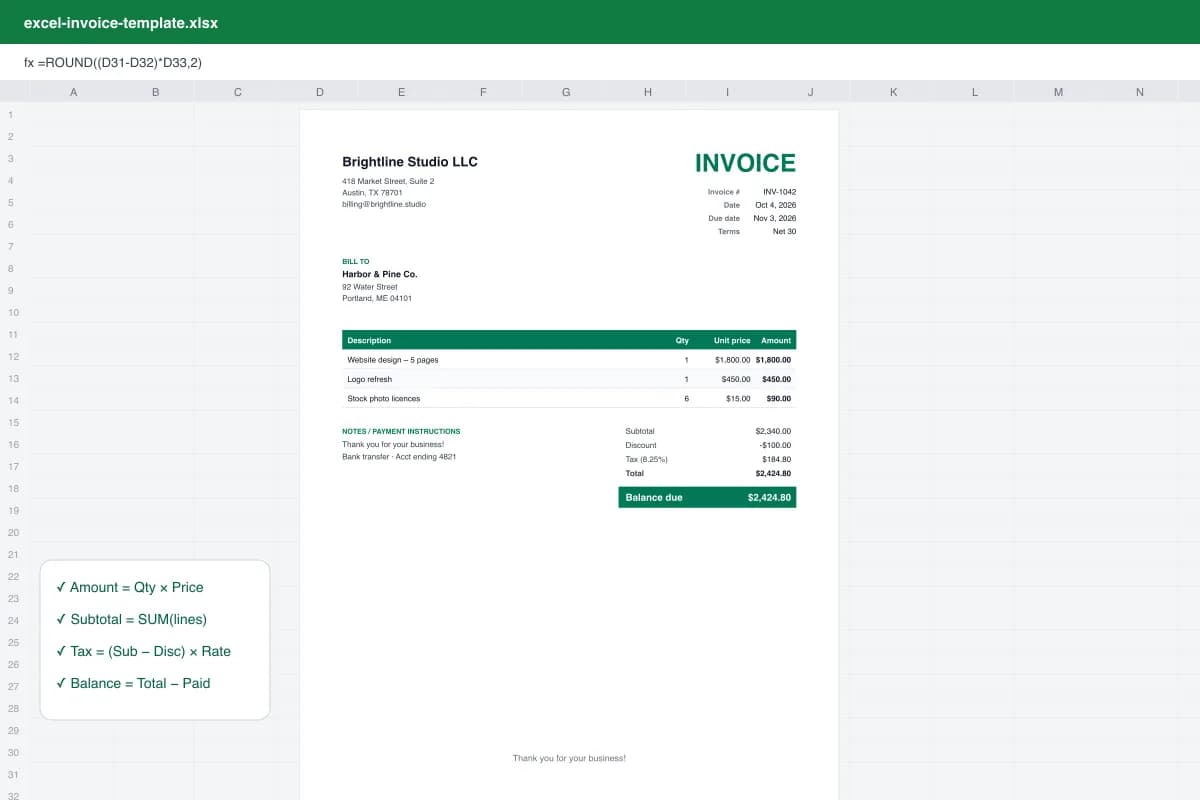
Clients pay faster when a bill is easy to approve. That means one clear total, a due date they can't miss, line items that say exactly what was delivered, and payment instructions on the same page. Our billing invoice layout puts the balance due in a coloured box, keeps the invoice number and due date at the top right where accounts payable teams look first, and calculates every number for you.
How to bill a client with this template
- Add your details and your client's. Enter your business name and contact details, then the client's billing name and address.
- Set the invoice number and terms. Give the bill a unique invoice number, the date, and payment terms such as Net 15 or Net 30. The due date follows the terms.
- List what you're billing for. Add each service or product with a quantity (or hours) and a price (or rate). Line totals and the subtotal calculate automatically.
- Add tax, discounts and deposits. Enter a sales tax rate, any discount, shipping, and payments already received, so the balance due is exact.
- Download and send. Download the billing invoice as PDF to email it, or as Excel or Word to keep an editable copy.
Billing terms that help you get paid
| Term | Meaning | Good for |
|---|---|---|
| Due on receipt | Pay as soon as the bill arrives | One-off jobs, new clients |
| Net 15 | Pay within 15 days of the invoice date | Freelancers and small jobs |
| Net 30 | Pay within 30 days | Most business clients |
| Deposit + balance | Part paid up front, the rest on completion | Projects and contractors |
- Bill promptly. Send the invoice the day the work is done, not at month end.
- Record deposits in "Amount paid" so the balance due is right.
- State late fees in the notes if you charge them, and follow up on the due date.
Other invoice formats
Prefer a spreadsheet? Use the Excel spreadsheet invoice templates. Need an editable document? Try the Word invoice template, or create a free PDF invoice.
These templates are general business documents, not tax or legal advice.
Frequently asked questions
What is a billing invoice?
A billing invoice is the document you send a client to request payment for goods or services you've delivered. It lists what was provided, the amount owed, the due date and how to pay. "Bill" and "invoice" mean the same thing in everyday business use.
What's the difference between a bill, an invoice and a receipt?
A bill or invoice asks for payment and is sent before you're paid. A receipt confirms that payment was received. A statement summarises several invoices and payments for one client over a period.
What should a template for a billing invoice include?
Your business details, the client's billing details, a unique invoice number, invoice and due dates, itemised lines with quantities and prices, subtotal, tax, total, any amount paid, the balance due and payment instructions.
Can I bill hourly work with this template?
Yes. Choose the Service / hourly layout: the columns change to Hours and Rate, and each line multiplies them for you.
How do I bill a client every month?
Make the first invoice, then reuse it each month with a new invoice number and dates. Invoice Pro saves your clients and items and numbers each new bill automatically.
Is this billing invoice template free?
Yes. The online maker and every Excel, Word and PDF template are free, with unlimited downloads and no signup.