Word Invoice Template
Free, professional .docx invoices that open in Microsoft Word and Google Docs. Download a blank template, or fill one in below and download a finished Word file with every total already worked out.
- Word 2010+, Word online & Google Docs
- Totals calculated for you online
- No signup
- Runs in your browser
Built in your browser. Your invoice data never leaves your device.
Your Business Name
Street address, City, State ZIP
you@business.com · (555) 555-0100
INVOICE
- Invoice #
- INV-0001
- Date
- -
- Due date
- -
- Terms
- Net 30
BILL TO
Client name
Client address
client@email.com
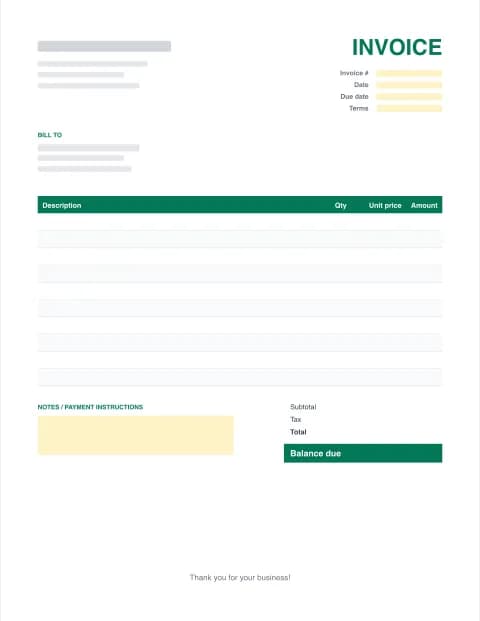
| Description | Hours | Rate | Amount |
|---|---|---|---|
| Item or service | |||
| Item or service |
- Subtotal
- $0.00
- Tax (0%)
- $0.00
- Total
- $0.00
- Balance due
- $0.00
Thank you for your business!
Made with Excel Invoice Maker · excelinvoicemaker.com
PRO Do more with Invoice Pro
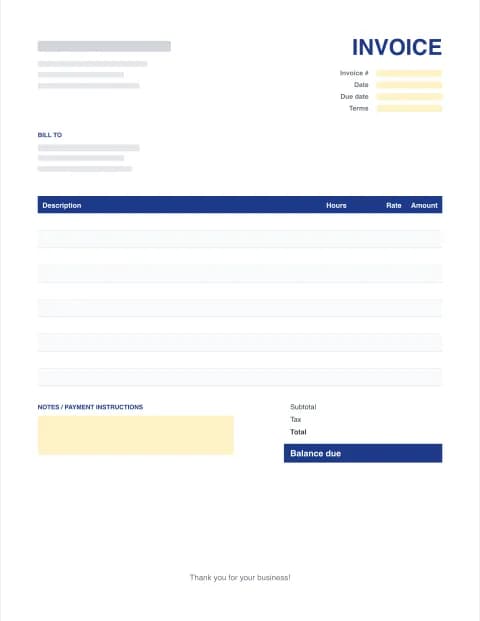
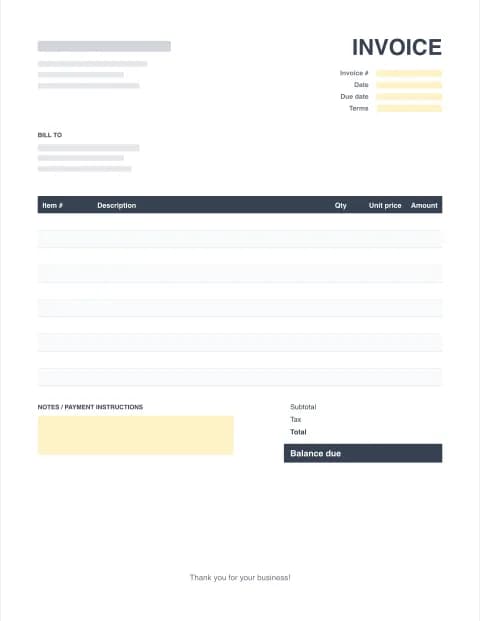
Free Word invoice templates (.docx)
Each layout also comes as an Excel spreadsheet with formulas and a fillable PDF.
By the Excel Invoice Maker editorial team · Last updated · Formulas checked against worked examples
Why use a Word invoice template?
Word is already on most business computers, and a document feels natural when your invoice is mostly words: a consulting engagement, a photography package, a design project with a paragraph of scope. A good Word invoice template gives you a clean header, a consistent item table and a clear balance-due box, so every invoice looks like it came from the same professional business.
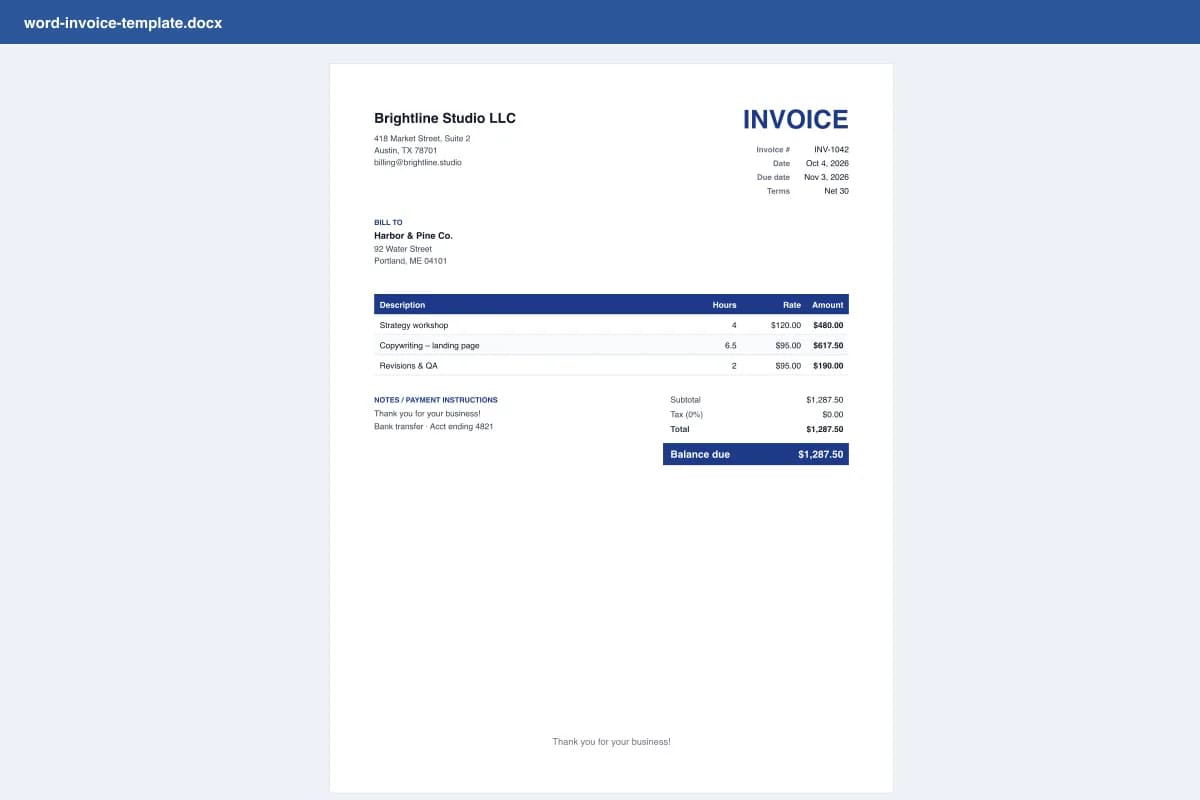
How to create an invoice in Word
- Download the .docx. Pick a layout below and download the Word invoice template. It opens in Word 2010 or later, Word for the web, Google Docs, Pages and LibreOffice.
- Replace the placeholders. Click each [bracketed] field and type your business and client details. Click the header area to add your logo with Insert → Pictures.
- Add line items. Type each item, quantity and price in the table. Press Tab in the last cell to add a row.
- Check the totals. Word doesn't recalculate like Excel, so add up the lines, tax and total carefully, or build the invoice in our online maker and download a finished .docx.
- Export to PDF. Use File → Save As → PDF (or File → Export) before you send it, so the layout can't shift or be edited.
Make it look professional
- Add your logo at the top left. Keep it under about 2 inches wide so the header stays balanced.
- Pick one accent colour that matches your brand. Our templates use it for the title, table header and balance due.
- Write specific line items: "Kitchen deep clean, 3 hrs, Oct 2" beats "Cleaning".
- Put payment details in the notes: bank transfer, Zelle, PayPal or check, plus your terms.
- Save each invoice separately (INV-0007.docx) so you always have a record of what you sent.
Word vs Excel vs PDF invoices
Use Word for short, text-heavy invoices. Switch to the Excel spreadsheet invoice templates when you bill lots of lines, hours or tax, because the formulas remove arithmetic mistakes. Whichever you edit in, send the client a PDF invoice. If you send invoices every week, Invoice Pro saves your clients and items and emails each invoice with a Pay now link.
These templates are general business documents, not tax or legal advice.
Frequently asked questions
Is there a free invoice template in Word?
Yes. Every Word invoice template on this page is a free .docx download with no signup. Microsoft also offers templates inside Word (File → New → search "invoice"), but ours open in any Word version and in Google Docs without a Microsoft account.
Can a Word invoice calculate totals automatically?
Not reliably. Word table formulas exist but don't update as you type and are easy to break. If you want automatic totals, use our online maker (which calculates everything and exports a finished Word file) or the Excel version of the same template.
How do I add rows to the invoice table in Word?
Click in the last cell of the item table and press Tab, or right-click a row and choose Insert → Insert Rows Below. The new row keeps the same formatting.
Can I open these Word invoice templates in Google Docs?
Yes. Upload the .docx to Google Drive, then right-click → Open with → Google Docs. Fonts may switch to a close equivalent if Calibri isn't available.
Should I send the invoice as Word or PDF?
Send a PDF. It looks identical on every device and can't be accidentally edited. Keep the .docx as your editable copy for the next invoice.
Word or Excel: which is better for invoices?
Excel is better when you bill many line items, hours or tax, because the formulas do the maths. Word is fine for simple invoices with a few lines or lots of descriptive text, such as consulting or creative work.