PDF Invoice Template
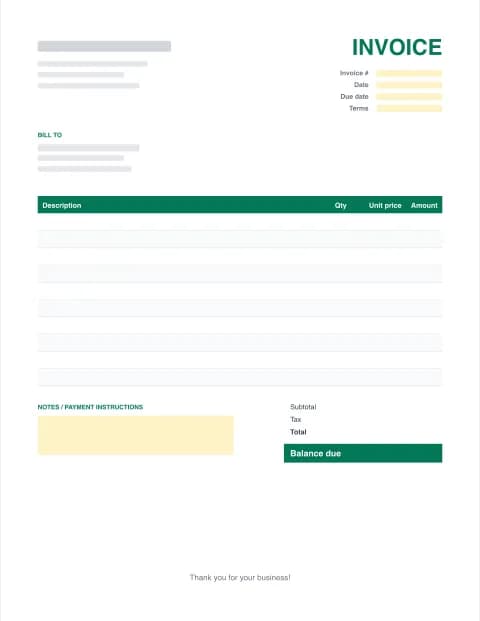
Create a clean, printable PDF invoice with tax and totals calculated for you, or download a fillable PDF template. Free, private and ready to email in about 2 minutes.
- Fillable fields
- Prints on US Letter
- No signup or email
- Runs in your browser
Built in your browser. Your invoice data never leaves your device.
Your Business Name
Street address, City, State ZIP
you@business.com · (555) 555-0100
INVOICE
- Invoice #
- INV-0001
- Date
- -
- Due date
- -
- Terms
- Net 30
BILL TO
Client name
Client address
client@email.com
| Description | Qty | Unit price | Amount |
|---|---|---|---|
| Item or service | |||
| Item or service |
- Subtotal
- $0.00
- Tax (0%)
- $0.00
- Total
- $0.00
- Balance due
- $0.00
Thank you for your business!
Made with Excel Invoice Maker · excelinvoicemaker.com
PRO Do more with Invoice Pro
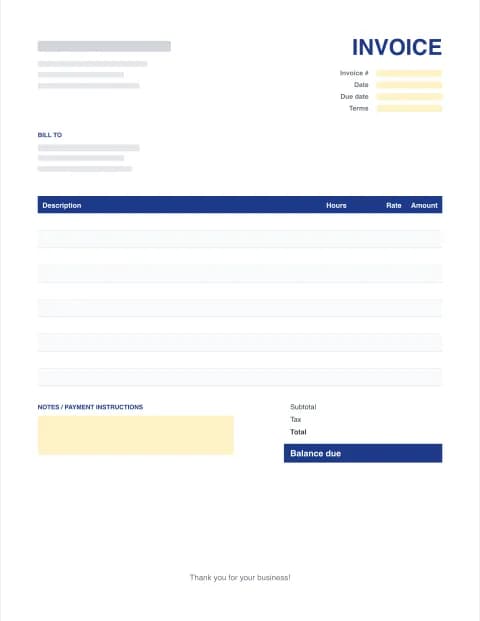
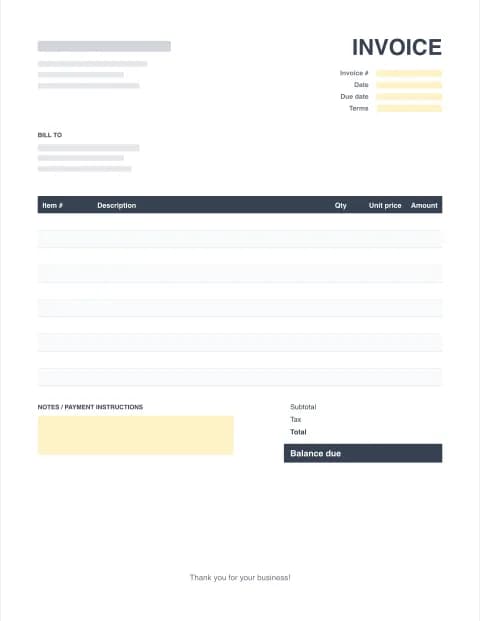
Free fillable PDF invoice templates
Open in Acrobat Reader, Chrome, Edge or Mac Preview, type into the shaded fields, save and send.
By the Excel Invoice Maker editorial team · Last updated · Formulas checked against worked examples
Fillable PDF template or online PDF invoice maker?
A fillable PDF invoice template is handy when you want to print a stack of blank invoices or fill one in on a tablet. The trade-off is that PDFs don't do maths: you add the totals yourself. The online invoice maker above calculates every line, the discount, sales tax and balance due, then downloads a finished PDF that you can email straight away.
How to create a PDF invoice online
- Fill in the form. Enter your business details, your client, invoice number, dates and each line item in the online invoice maker.
- Check the live preview. Subtotal, discount, tax, shipping and balance due calculate automatically as you type.
- Download the PDF. Click Download PDF. The file is created in your browser, so nothing is uploaded.
- Email or print it. Attach the PDF to an email to your client, or print it on US Letter paper.
Tips for PDF invoices that get paid
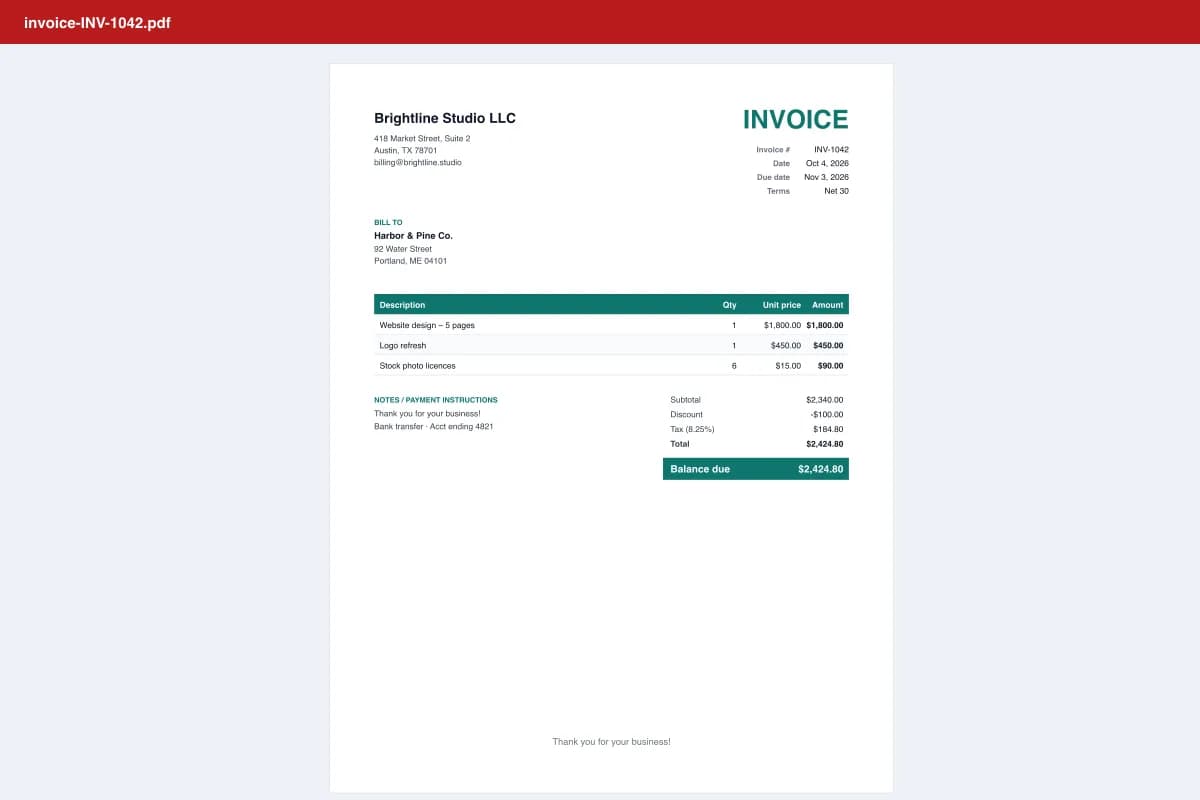
- Name the file clearly, e.g. INV-1042-Brightline-Studio.pdf, so it's easy to find in your client's inbox.
- Put the balance due and due date where they can't be missed. Our layout highlights both.
- Include payment instructions in the notes: bank details, Zelle, PayPal or a card link.
- Keep the editable original. Download the Excel or Word copy too, in case you need to correct something.
- Follow up on the due date. A polite reminder recovers most late payments. Invoice Pro sends them automatically.
Other formats
Prefer to work in a spreadsheet? Grab the Excel spreadsheet invoice templates with built-in formulas. Need a document you can reword freely? Try the Word invoice template.
These templates are general business documents, not tax or legal advice.
Frequently asked questions
Is this PDF invoice template free?
Yes. The fillable PDF templates and the online PDF invoice maker are free with unlimited downloads and no signup. Free PDFs include a small "Made with" line at the very bottom; Invoice Pro removes it.
How do I fill in a PDF invoice template?
Open the fillable PDF in Adobe Acrobat Reader (free), your browser, or Preview on a Mac, click into the shaded fields and type. Save it with a new name for each invoice. Fillable PDFs don't add up totals, so use the online maker if you want the maths done for you.
Can I make a PDF invoice without Word or Excel?
Yes. The invoice maker on this page creates the PDF directly in your browser, on desktop or phone. You don't need Word, Excel, Acrobat or an account.
Is a PDF invoice legally valid?
In the US a PDF invoice is a normal business record as long as it accurately describes the sale and the amount due. Some countries and industries have e-invoicing or tax-number rules, so check what applies to you. This site does not give legal or tax advice.
Why send invoices as PDF instead of Excel or Word?
A PDF looks the same on every phone and computer, prints correctly and can't be edited by accident. Keep your Excel or Word version as the editable original.
Can I add my logo to a PDF invoice?
Yes. Upload a PNG or JPG logo (up to 1 MB) in the maker and it appears in the top-left corner of the PDF. The image stays on your device.